
Codux AI Terminal
The native terminal for AI coding CLIs
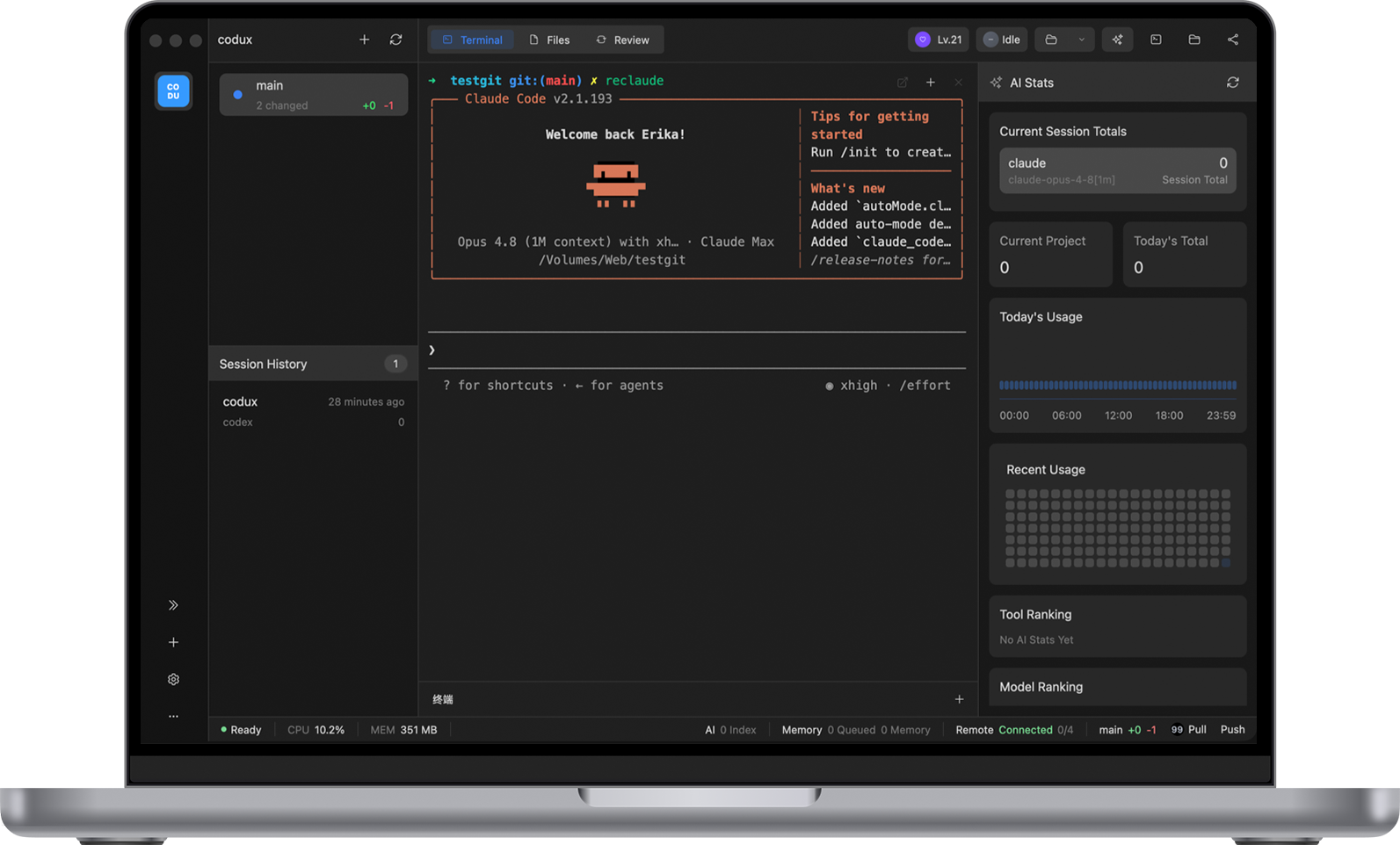
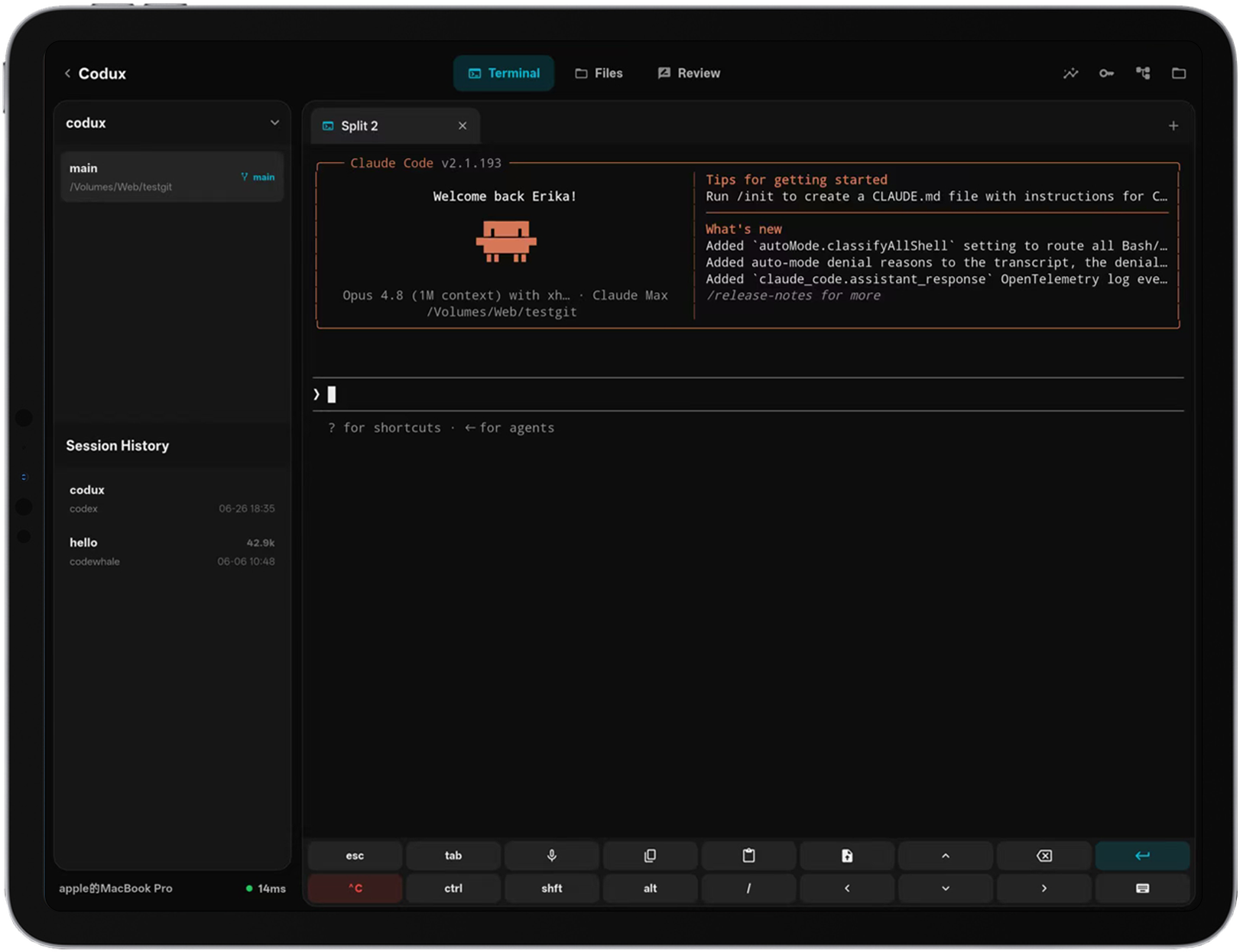
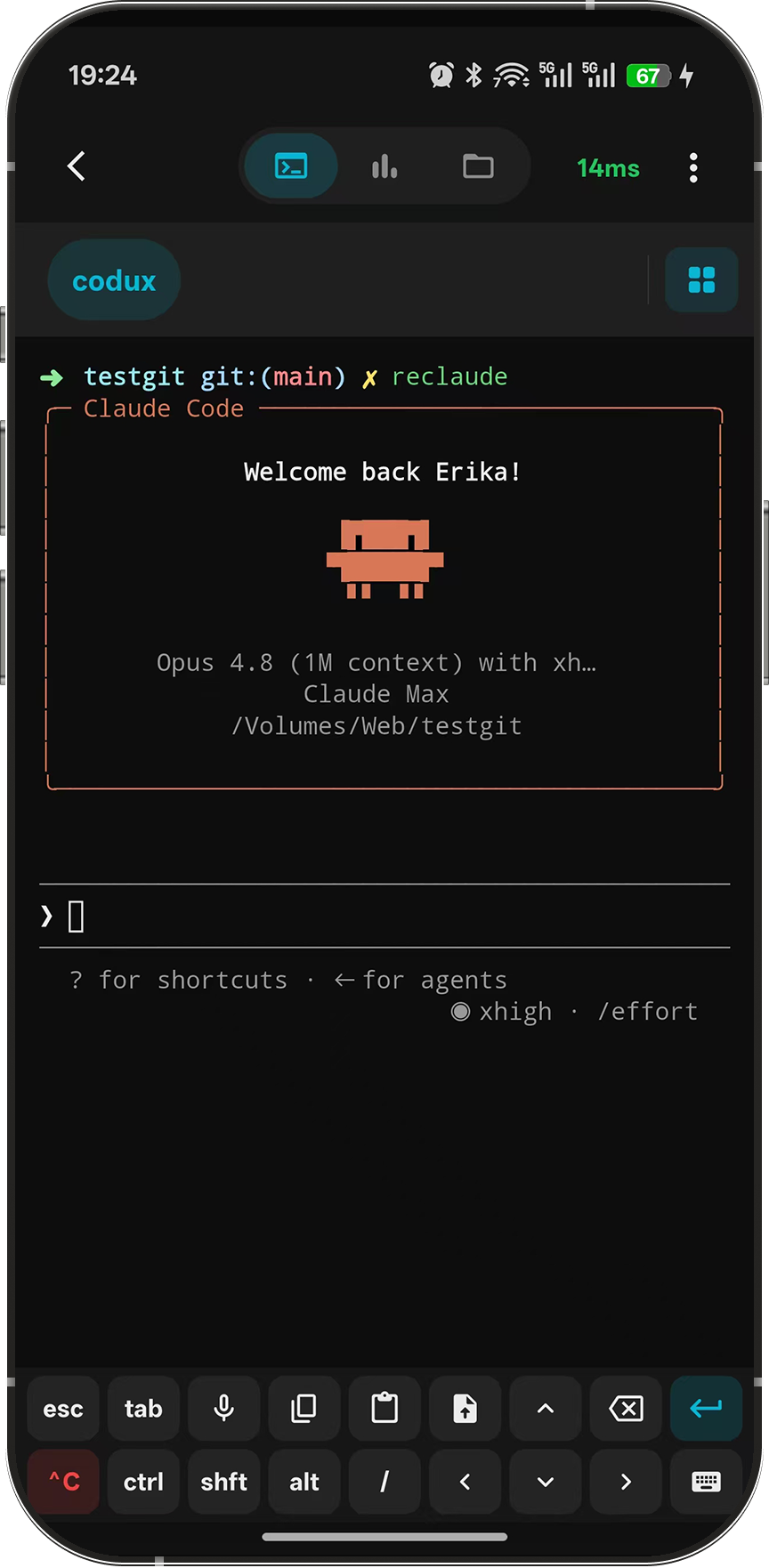
One native workspace for Codex, Claude Code, and every AI coding CLI — split terminals, live status, token stats, and session history. Step away from the desk and pick up the same session from your phone or tablet.
Desktop · macOS & Windows · Host · Linux, macOS & Windows · Mobile · Android & iOS
Eight AI coding CLIs, deeply integrated
Not just a shell that runs commands — every supported CLI gets native status tracking, session history, and memory injection.
- Live agent status
Running, completed, needs input — every agent visible at a glance.
- Token stats & session history
Usage by tool, model, and project; jump back into the exact context anytime.
- Durable local memory
User habits, project overview, and project notes injected at launch — never committed to your repo.
Fast, native, organized around projects
Built on Rust + GPUI — the same GPU-accelerated stack as Zed.
- Splits & task layouts
Splits, tabs, files, and Git state are saved per task and restored exactly.
- Built-in Git panel
Stage, diff, branch, push and pull without leaving the workspace.
- Worktree tasks
Each task gets its own worktree and restore point, fully isolated.
Leave the desk, keep the session
Make your project machine the host; drive it from a phone, tablet, or laptop — end-to-end encrypted, no SSH, no public IP.
- Host & controllers
Heavy work runs on the host’s hardware; the device in your hand stays light.
- Peer-to-peer over Iroh
Direct connection first; a relay you choose only when needed — it never sees your data.
- Web Tunnel Browser
Preview host-local web apps on mobile — localhost, WebSocket, and HMR all work.
The details that make it home
Smaller touches that make Codux a joy to live in every day.
Local memory
Three memory layers stored on-device in SQLite.
Safe SSH
Saved profiles run remote commands; keys never reach the CLI.
Usage stats
See exactly where tokens go, day by day.
Command palette
Every command and action from the keyboard.
Project files
Browse, preview, edit — send paths or images to the terminal.
Themes
Tune the terminal’s look until it feels yours.
Images in chat
Drop screenshots straight into your AI session.
Pet companion
A desktop pet that codes along and levels up — off anytime.
Straight answers
How is this different from Warp / iTerm2 + many CLIs?
Does Codux upload my code or AI conversations?
How does the mobile connection work?
Which AI CLIs are supported?
Which platforms are supported?
Why does the iOS app cost money?
One native terminal, on every device
Open source and local-first. Make any machine the host and take your work anywhere.